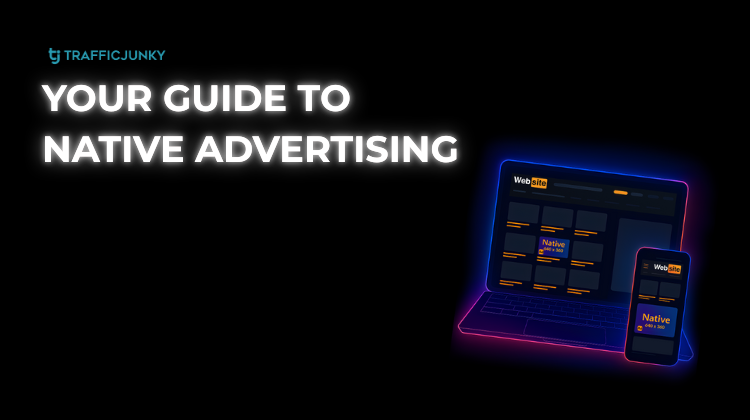
For a long time, accessing Native ad inventory on TrafficJunky was a process reserved for a select group. It required manual approvals, specific account statuses, and frankly, too many hoops.
We fixed that.
Starting today, Native ads are available to every advertiser on the TrafficJunky platform. Whether you have been with us for years or are launching your first campaign this afternoon, you now have direct access to our most integrated, high-performing ad placements.
Why Native Ads Perform (The Data)
Native advertising isn’t just an aesthetic choice; it’s a performance strategy. By matching the look, feel, and function of the media format in which they appear, these ads reduce “banner blindness” and engage users when they are most attentive.
Prioritizing ad ROI? Consider the industry standards regarding Native performance:
- Higher Purchase Intent: Consumers look at Native ads 53% more frequently than display ads.
- Combat Ad Fatigue: Native ads register an 18% higher lift in purchase intent compared to banner ads.
- Visual Engagement: Native ads receive consistent attention, whereas standard display ads are often skimmed over in the periphery.
TrafficJunky Native Ads Outperform Other Networks
TrafficJunky Native Ads place your brand directly within the content stream of the world’s most visited sites. This isn’t about disrupting the user experience; it’s about becoming a part of it.
With TrafficJunky Native ads, you get:
- Seamless Integration: Your creatives sit alongside organic content, borrowing from the credibility of the world’s top adult content sites.
- Massive Scale: Tap into our 6.4B daily ad impressions with an ad format that encourages clicking.
- Control: Manage Native campaigns from the same dashboard you use for banner ads.
- Custom Headline and Brand Text: Stop paying for wasted clicks and drive qualified leads.
Launch Your Native Campaign
We have kept the workflow simple. You don’t need to contact a rep or wait to be granted access.
- Login to your TrafficJunky account
- Select New Campaign
- Choose Native under the ad format options
- Upload your assets (headline, thumbnail, and brand name)
Your campaign performance just got a promotion. Join TrafficJunky today to see what Native can do for your metrics