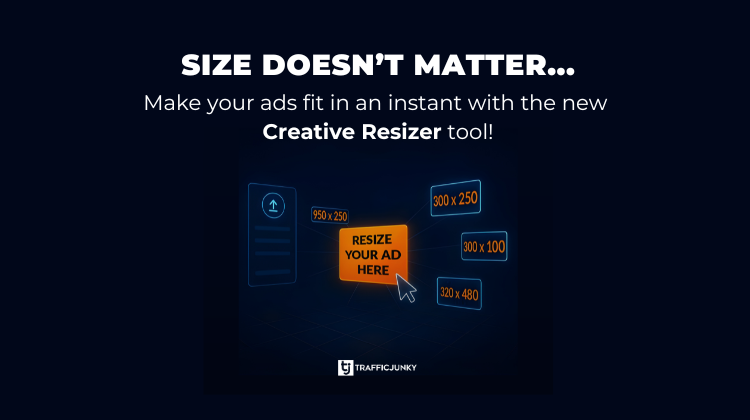
Creative Resizer takes the friction out of going live. In just a few clicks, advertisers can turn a single image into multiple TrafficJunky approved ad formats; resized, cropped, and ready to launch. Instantly see which creatives meet spec and cut down on failed uploads and design back and forth.
Creative Resizer takes you from asset to live campaign faster than ever.
Resize Images to Fit TrafficJunky Ad Formats. No External Editing Tools Required
Creative Resizer, found in the Media Library in the TrafficJunky Members Area, is for advertisers and agencies running multiple campaigns and managing different creatives.
- Upload images of any size
- Crop, resize, and fill images to match any TrafficJunky ad dimension
- Take the guesswork out of which of your banners will suit your ad format of interest
How to Resize a Creative
- Go to your Media Library
- Click Upload new Creatives and upload your existing ad creative
- Click Resize > +Add a Size Variant
- Select a new size for your creative
- In the Fit Type dropdown, select Fit or Fill
- If you select Fill, select Alignment
- Click Save Edits > Submit for Review
Want to go live faster, have fewer rejected creatives, and maintain a cohesive look across ad placements?